|
Video DeNoise for Adobe Premiere 32 & 64 bits |
14.07.2012 |
Brief review of Video DeNoise filter
Video DeNoise is a visible noise filter for video recordings. This noise appears in video transfer from analog recorders like video cameras, TV tuners, VHS video cassette recorders (VCR) and digital signal sources like digital video cameras, DVD Video, Video CD and others due to input image overcompression or originally bad video quality.
After applying the noise filter we get a more visually pleasant image as well as a more compact output video file on the disk. It enables to record longer and better-looking video to the same medium volume.
Video noise may appear as small ripples, thin multicolored stripes, colored spots and the like. Video DeNoise serves to fully reduce noise. It's delivered as a plugin for video editors as Adobe Premiere (Pro) and Adobe Premiere Elements. Beside its main function of removing digital or analog artifacts, the filter can also adjust image sharpness after noise reduction.
The filter's features:
|
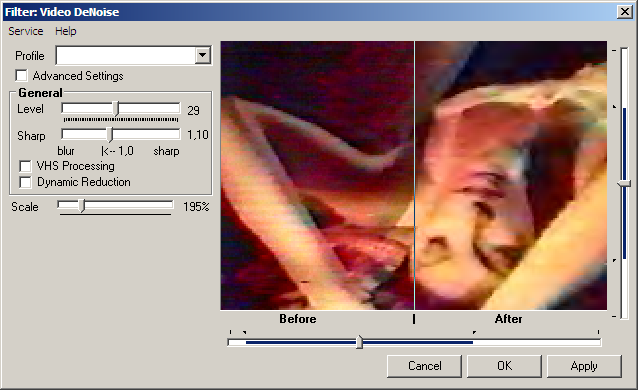
Filter settings for Adobe Premiere (Simple Mode)
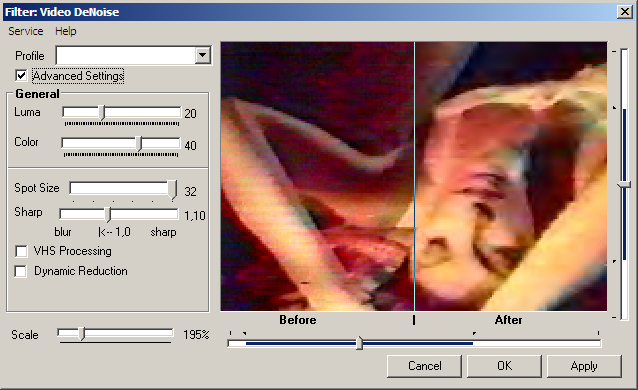
Filter settings for Adobe Premiere (Advanced Mode)
Examples
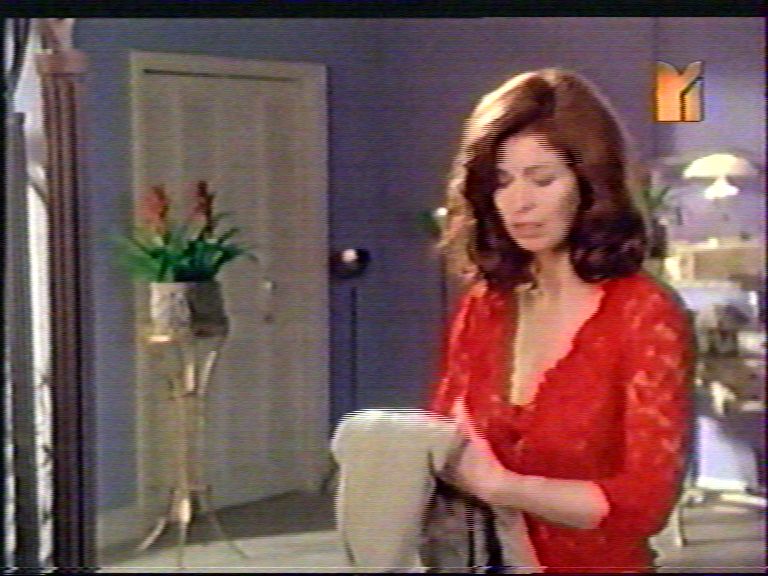 Before usage the filter |
 After usage the filter |
 Before usage the filter |
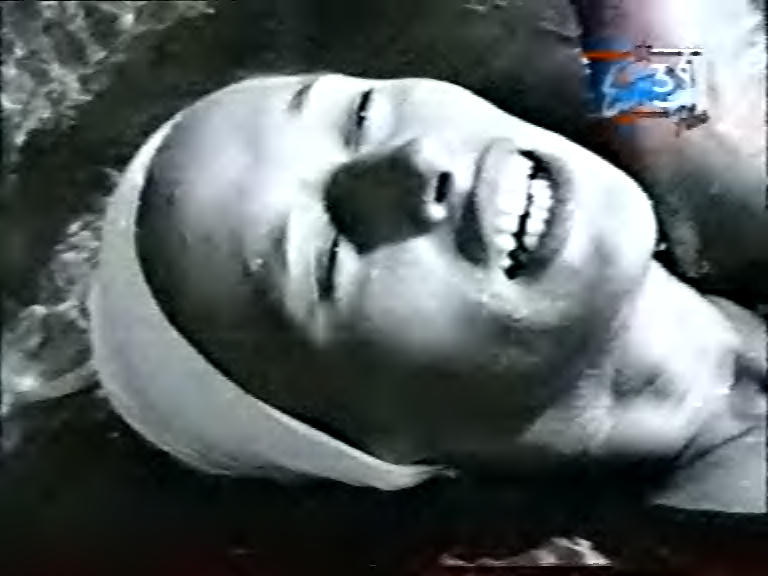 After usage the filter |
Usage Tips
- For input video with brightness problems (too bright or dark), first fix them before using the filter.
- Never change image sizes (except cropping) before denoising as it spoils filter usage results.
- You should slightly miniaturize video (especially VHS tape and TV tuner recordings) after noise removal. It'll save your disk space with the same video quality.
- As almost all noise reduction methods blur image and input video may not be sharp, you should sharpen it with a relevant plugin adjustment. You can also desharpen it with a relevant filter adjustment if you think somehow the image is too sharp.
- For images with high-frequency noise (many contrasting dots), you should set maximum noise reduction size to up to 8 for enhancing output video quality. You can also activate the VHS Processing option.
- If you think you lose many details after processing, try reducing Smooth from maximum. It'll save more details which is especially vital in processing image brightness.
- In case of processing an analog video source, activate the VHS Processing option. It'll clear the image saving more details better than tough adjustments.
- For interlaced video, you should activate deinterlacing before denoising.
- If you often work with various video sources, creating several profiles for each will enable you to switch noise reduction adjustments quickly.
- Try to find compromise between noise reduction level and saving maximum details.
System Requirements
- Pentium 166 MMX, 64 Mb
- Windows 95 or later
- Adobe Premiere 5.0 or later (Pro, CS1-6); Elements
Install
When installing you must choose folder with Adobe Premiere's plugins (filters) (usually "C:\Program Files\Adobe\Premiere\Plug-ins\").
Using
Start Adobe Premiere. Click "Project window"->"Effects Tab"->"Video Effects"->"Video"->"Video DeNoise"

Download
LICENSE: This program is distributed in the hope that it will be useful, but WITHOUT ANY WARRANTY; without even the implied warranty of MERCHANTABILITY or FITNESS FOR A PARTICULAR PURPOSE.
|
Size | Link | ||||
|---|---|---|---|---|---|---|
| Video DeNoise 2.4.5 for Adobe Premiere 32 & 64 bits | 812 Kb | Download | ||||
| If you have problems downloading EXE file, you can also download Video DeNoise 2.4.5 for Adobe Premiere as the ZIP-archive. If you downloaded the ZIP file, this should open up your WinZIP, 7zip or WinRar application so you can uncompress the archive. | 793 Kb | Download ZIP |